SegmentsSegments
Trang Segments dùng để phân đoạn user theo thuộc tính hoặc hành vi (vd. điểm > 1000, đã unlock achievement X). Dùng cho targeting: áp dụng rule/campaign theo segment, hoặc báo cáo theo nhóm. Thuộc module Client Admin.
Segment là gì?
Segment (phân đoạn) là nhóm user thỏa một bộ điều kiện: ví dụ “điểm > 1.000”, “tier = Gold”, “đã unlock achievement A”. Segment không hiển thị trực tiếp cho end-user — nó dùng trong Client Admin để áp dụng rule, campaign hoặc ưu đãi chỉ cho nhóm đó. Engine tự cập nhật user vào/ra segment khi điểm, tier, achievement thay đổi.
Sử dụng như thế nào và có lợi gì?
Cách sử dụng: Bạn tạo segment trong Client Admin (điều kiện theo điểm, tier, achievement, …). Sau đó chọn segment này khi tạo Campaign hoặc Rule — chỉ user trong segment mới nhận thưởng/rule đó.
Lợi ích:
- Targeting chính xác: Tặng thêm điểm hoặc ưu đãi cho nhóm cụ thể (VIP, user sắp lên hạng, user mới) thay vì tất cả → hiệu quả marketing cao hơn.
- Tiết kiệm chi phí: Không phải tặng toàn bộ user; tập trung vào segment có khả năng chuyển đổi hoặc retention cao.
- Báo cáo theo nhóm: Xem số liệu (điểm, redemption) theo từng segment để tối ưu chiến dịch.
Ai sử dụng (Client Admin)
Dùng bởi Client Admin (quản trị tenant) sau khi đăng nhập bằng JWT.
Cấu hình trong Client Admin
Vào sidebar Client Admin → Segments. Thao tác: tạo segment (điều kiện theo điểm, tier, achievement, …), sửa, xóa. Segment dùng trong Campaign hoặc Rule để áp dụng riêng cho nhóm user. Liên quan: Campaigns, Users.
Quản lý Segments. / Segments management.
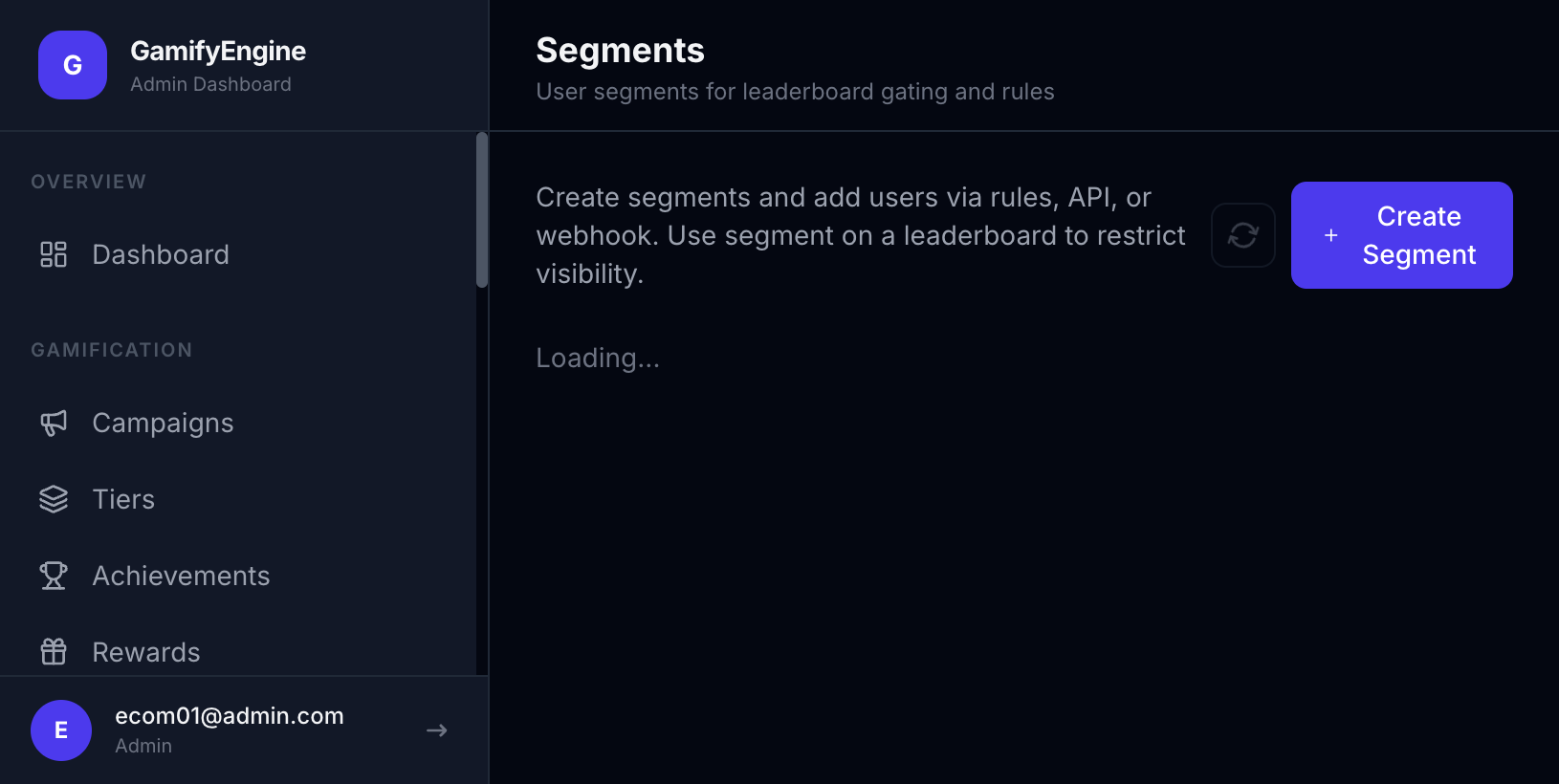
The Segments page segments users by attribute or behavior (e.g. points > 1000, unlocked achievement X). Used for targeting: apply rules/campaigns per segment or report by group. Part of Client Admin.
What is a segment?
A segment is a group of users that meet a set of conditions: e.g. “points > 1,000”, “tier = Gold”, “unlocked achievement A”. Segments are not shown directly to end-users — they are used in Client Admin to apply rules, campaigns, or offers only to that group. The Engine updates who is in or out of a segment as points, tier, and achievements change.
How to use and what are the benefits?
How it works: You create a segment in Client Admin (conditions by points, tier, achievement, …). Then select this segment when creating a Campaign or Rule — only users in the segment get that reward/rule.
Benefits:
- Precise targeting: Give extra points or offers to specific groups (VIPs, users close to next tier, new users) instead of everyone → more effective marketing.
- Cost efficiency: Don’t reward all users; focus on segments with higher conversion or retention potential.
- Reporting by group: View metrics (points, redemptions) per segment to optimize campaigns.
Who uses it (Client Admin)
Used by Client Admin (tenant administrator) after logging in with JWT.
Configuration in Client Admin
Go to Client Admin sidebar → Segments. Actions: create segment (conditions by points, tier, achievement, …), edit, delete. Segments are used in Campaigns or Rules to target user groups. Related: Campaigns, Users.
Segments management.