Event Types (Cấu hình)Event Types (Configuration)
Trang Event Types dùng để khai báo và chỉnh sửa các loại sự kiện (event type) của tenant (vd. login, deposit_made, game_played). Chỉ khi event type đã được khai báo thì client mới gửi event với event_type tương ứng (qua SDK hoặc hệ thống). Mỗi type có tên, mô tả, và có thể có event_data_schema để validate event_data. Rules tham chiếu event type để “khi user gửi event X thì cộng Y điểm”. Thuộc module Client Admin.
Ai sử dụng
Dùng bởi Client Admin (quản trị tenant) sau khi đăng nhập bằng JWT.
Sử dụng như thế nào
Vào từ sidebar Client Admin → Event Types. Thao tác: xem danh sách event type, tạo mới (name, description, event_data_schema), sửa, xóa (trừ type isSystem: true). Phải có event type trước khi tạo Rule cộng điểm theo event. Sau khi tạo, client/SDK gửi event với event_type trùng tên. Để tích hợp bắn event từ app, xem SDK kết nối (phần liên kết Event Types và sơ đồ luồng). Liên quan: Event Logs, Rules (trong Client Admin).
Quản lý Event Types. / Event Types management.
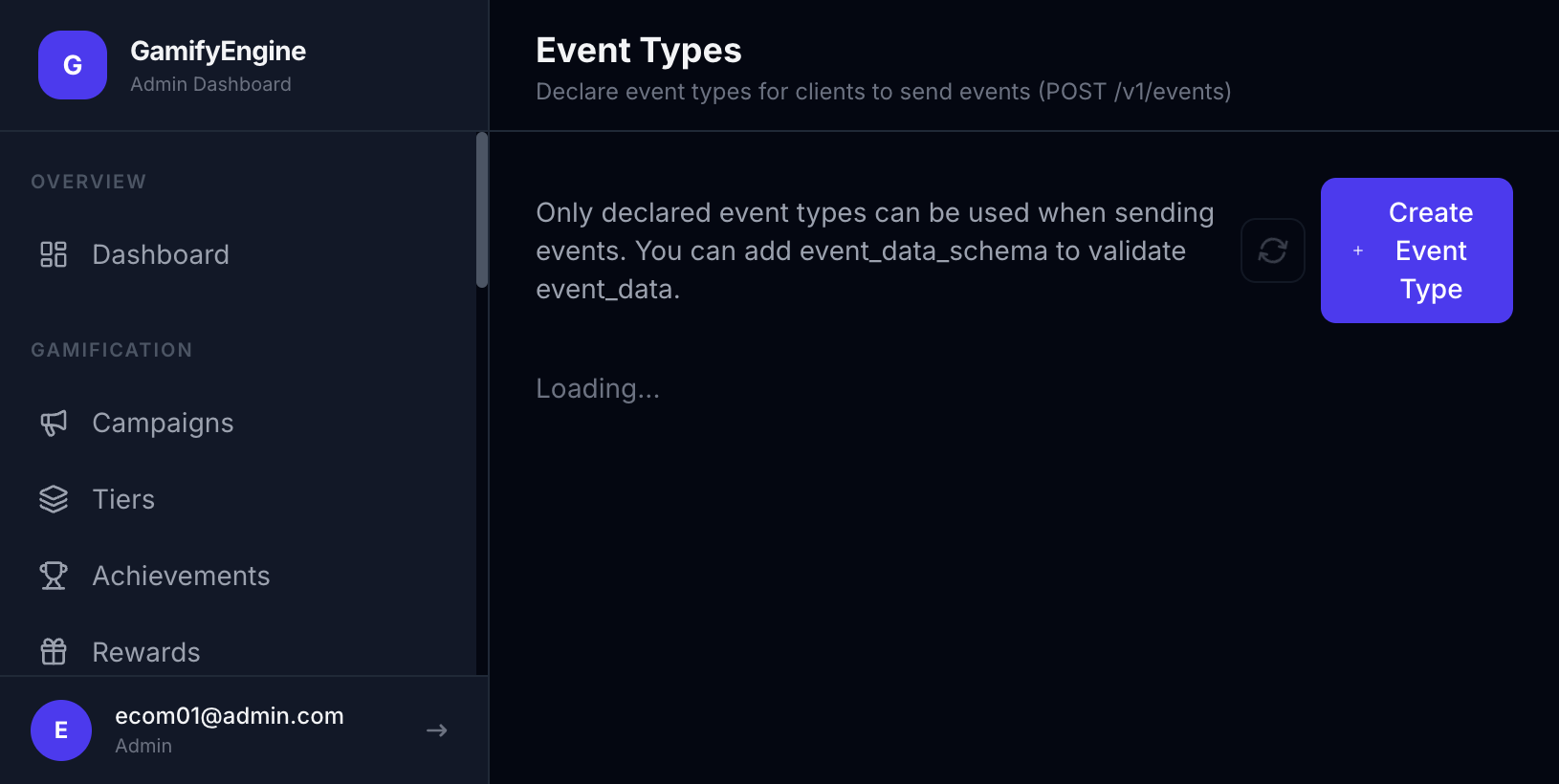
Thông tin trên màn hình / khi tạo hoặc sửa
| Field | Kiểu | Mô tả |
|---|---|---|
id | UUID | ID event type (PK, generated). |
name | string (max 100) | Tên event type — dùng làm event_type khi gửi event. Không trùng trong tenant. |
description | string (text, nullable) | Mô tả (max 500 ký tự trong API). |
isSystem | boolean | true = do hệ thống/tenant mặc định tạo, không xóa được; false = custom do admin tạo. |
eventDataSchema | object (JSONB, nullable) | Schema validate event_data: required (string[]), properties (key → "string"|"number"|"boolean"|"object"|"array"). |
createdAt | string (ISO 8601) | Thời điểm tạo. |
Ví dụ event_data_schema và event_data
Khi tạo event type, bạn có thể khai báo eventDataSchema để Engine validate event_data khi client gửi event. Dưới đây là ví dụ hoàn chỉnh.
Ví dụ 1 — deposit_made (nạp tiền):
Schema (khi tạo/sửa Event Type):
{
  "required": ["amount"],
  "properties": {
    "amount": { "type": "number" },
    "currency": { "type": "string" }
  }
}
Payload khi gửi event từ SDK/API (event_data phải khớp schema):
GamifyEngine.track('deposit_made', { "amount": 100, "currency": "VND" });Hoặc event_data gửi qua REST: { "amount": 100, "currency": "VND" }. Field amount bắt buộc; currency tùy chọn.
Ví dụ 2 — purchase (mua hàng):
// eventDataSchema: required ["order_id", "total_amount"], properties: order_id (string), total_amount (number), item_count (number)
// event_data mẫu:
{ "order_id": "ORD-001", "total_amount": 999, "item_count": 1 }
Lỗi thường gặp
- 409 Conflict — Tên event type trùng với type đã tồn tại trong tenant. Đổi tên khác hoặc dùng type sẵn có.
- 403 Forbidden — Không thể xóa event type có
isSystem: true(do hệ thống tạo). - 400 EVENT_TYPE_NOT_DECLARED — Client gửi event với
event_typechưa được khai báo trong Event Types. Cần tạo event type trước.
The Event Types page is used to declare and edit event types for the tenant (e.g. login, deposit_made, game_played). Only declared event types can be used as event_type when sending events (via SDK or the system). Each type has name, description, and optionally event_data_schema to validate event_data. Rules reference event types to “when user sends event X, award Y points”. Part of Client Admin.
Who uses it
Used by Client Admin (tenant administrator) after logging in with JWT.
How to use
Go to Client Admin sidebar → Event Types. Actions: view list, create (name, description, event_data_schema), edit, delete (except isSystem: true). You must have an event type before creating a Rule that awards points on that event. After creating, client/SDK sends events with matching event_type. To integrate event tracking from your app, see Connection SDK (Event Types link and flow diagram). Related: Event Logs, Rules (in Client Admin).
Event Types management.
Information on screen / when creating or editing
| Field | Type | Description |
|---|---|---|
id | UUID | Event type ID (PK, generated). |
name | string (max 100) | Event type name — used as event_type when sending events. Unique per tenant. |
description | string (text, nullable) | Description (max 500 chars in API). |
isSystem | boolean | true = system/default tenant type, cannot delete; false = custom admin-created. |
eventDataSchema | object (JSONB, nullable) | Schema for event_data: required (string[]), properties (key → "string"|"number"|"boolean"|"object"|"array"). |
createdAt | string (ISO 8601) | Created at. |
Example event_data_schema and event_data
When creating an event type, you can declare eventDataSchema so the Engine validates event_data when the client sends an event. Below are complete examples.
Example 1 — deposit_made (deposit):
Schema (when creating/editing Event Type):
{
  "required": ["amount"],
  "properties": {
    "amount": { "type": "number" },
    "currency": { "type": "string" }
  }
}
Payload when sending the event from SDK/API (event_data must match schema):
GamifyEngine.track('deposit_made', { "amount": 100, "currency": "VND" });Or event_data sent via REST: { "amount": 100, "currency": "VND" }. Field amount is required; currency is optional.
Example 2 — purchase:
// eventDataSchema: required ["order_id", "total_amount"], properties: order_id (string), total_amount (number), item_count (number)
// Sample event_data:
{ "order_id": "ORD-001", "total_amount": 999, "item_count": 1 }
Common errors
- 409 Conflict — Event type name already exists in the tenant. Use a different name or the existing type.
- 403 Forbidden — Cannot delete event type with
isSystem: true(system-created). - 400 EVENT_TYPE_NOT_DECLARED — Client sent event with
event_typenot declared in Event Types. Create the event type first.