AchievementsAchievements
Trang Achievements (nhiệm vụ / thành tích) dùng để tạo và quản lý achievement: tên, mô tả, icon, điều kiện unlock (vd. đạt X điểm, hoàn thành event Y N lần). Khi user thỏa điều kiện, achievement unlock và có thể hiển thị trên widget. Thuộc module Client Admin.
Achievement là gì?
Achievement (thành tích / huy hiệu / nhiệm vụ) là mục tiêu nhỏ mà user có thể đạt được khi thỏa điều kiện: ví dụ đạt 100 điểm, đăng nhập 7 ngày liên tiếp, hoàn thành event first_purchase. Mỗi achievement có tên, mô tả, icon; khi user đạt điều kiện, hệ thống tự unlock và user thấy trên Widget/app (huy hiệu đã mở khóa, tiến độ nhiệm vụ).
Sử dụng như thế nào và có lợi gì?
Cách sử dụng: Bạn cấu hình achievement trong Client Admin (tên, điều kiện unlock theo điểm hoặc số lần event). User không cần thao tác đặc biệt — chỉ cần tích điểm hoặc thực hiện hành vi; Engine tự kiểm tra và unlock khi đủ điều kiện.
Lợi ích:
- Engagement & mục tiêu ngắn hạn: User có nhiệm vụ rõ ràng (vd. “Đăng nhập 5 ngày”) nên quay lại app thường xuyên hơn.
- Cảm giác hoàn thành: Unlock huy hiệu tạo cảm giác tiến bộ, tăng gắn bó với sản phẩm.
- Kết hợp với tier/reward: Có thể dùng achievement đã unlock làm điều kiện cho segment, campaign hoặc ưu đãi riêng.
Ai sử dụng (Client Admin)
Dùng bởi Client Admin (quản trị tenant) sau khi đăng nhập bằng JWT.
Cấu hình trong Client Admin
Vào sidebar Client Admin → Achievements. Thao tác: xem danh sách, tạo achievement mới (tên, mô tả, điều kiện unlock), sửa, xóa. Điều kiện thường dựa trên điểm hoặc số lần gửi event. Liên quan: Users, Event Types.
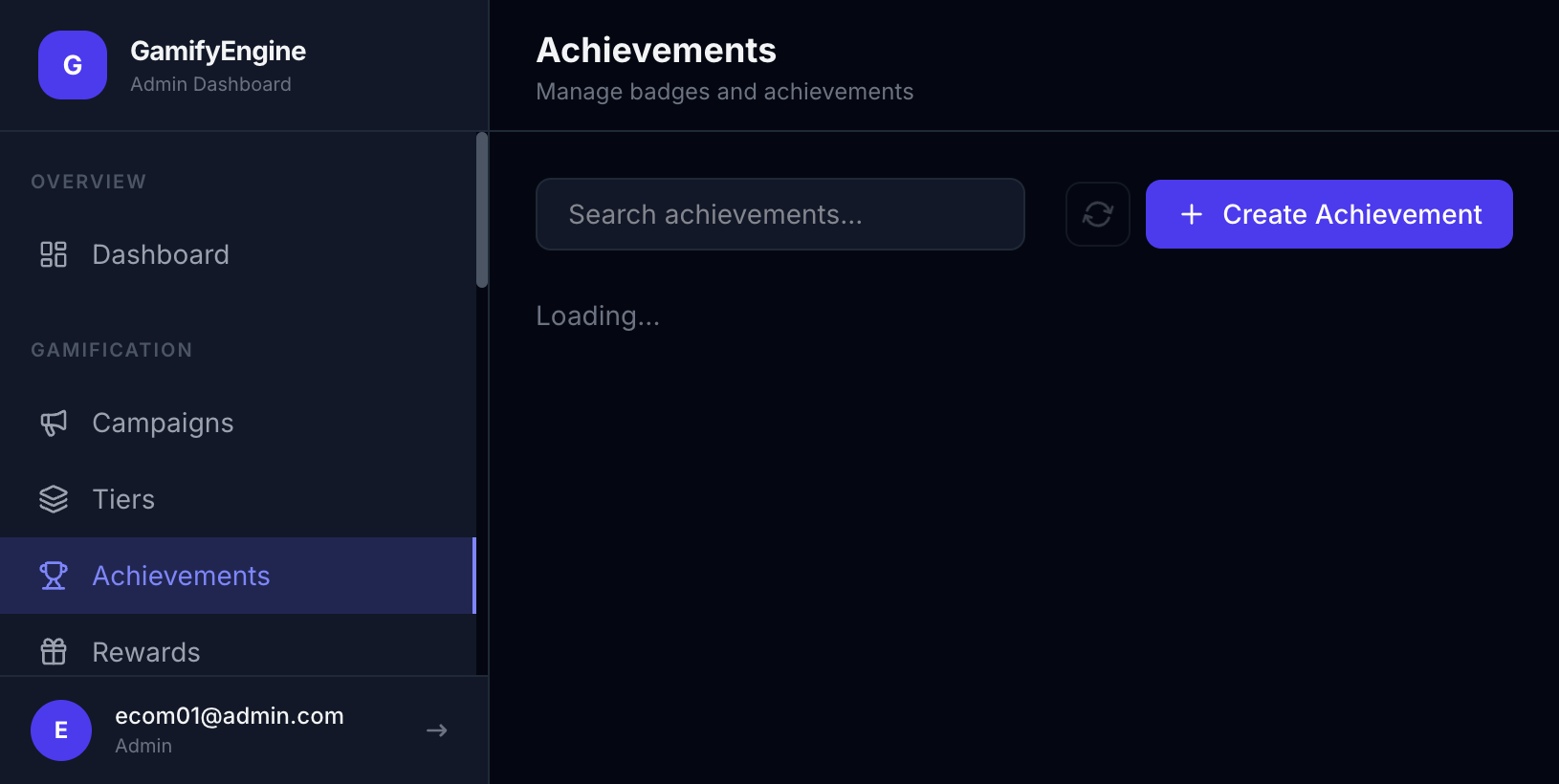
Quản lý Achievements. / Achievements management.
The Achievements page is used to create and manage achievements: name, description, icon, unlock conditions (e.g. reach X points, complete event Y N times). When the user meets the condition, the achievement unlocks and can be shown in the widget. Part of Client Admin.
What is an achievement?
An achievement (badge / mission) is a small goal a user can unlock when they meet a condition: e.g. reach 100 points, log in 7 days in a row, complete the first_purchase event. Each achievement has a name, description, and icon; when the user meets the condition, the system unlocks it and the user sees it in the Widget/app (unlocked badge, mission progress).
How to use and what are the benefits?
How it works: You configure achievements in Client Admin (name, unlock condition by points or event count). Users just earn points or perform actions; the Engine checks and unlocks when conditions are met.
Benefits:
- Engagement & short-term goals: Clear missions (e.g. “Log in 5 days”) encourage users to return more often.
- Sense of completion: Unlocking badges creates a sense of progress and increases attachment to the product.
- Combine with tier/reward: Unlocked achievements can be used as conditions for segments, campaigns, or special offers.
Who uses it (Client Admin)
Used by Client Admin (tenant administrator) after logging in with JWT.
Configuration in Client Admin
Go to Client Admin sidebar → Achievements. Actions: view list, create (name, description, unlock conditions), edit, delete. Conditions are often based on points or event count. Related: Users, Event Types.
Achievements management.